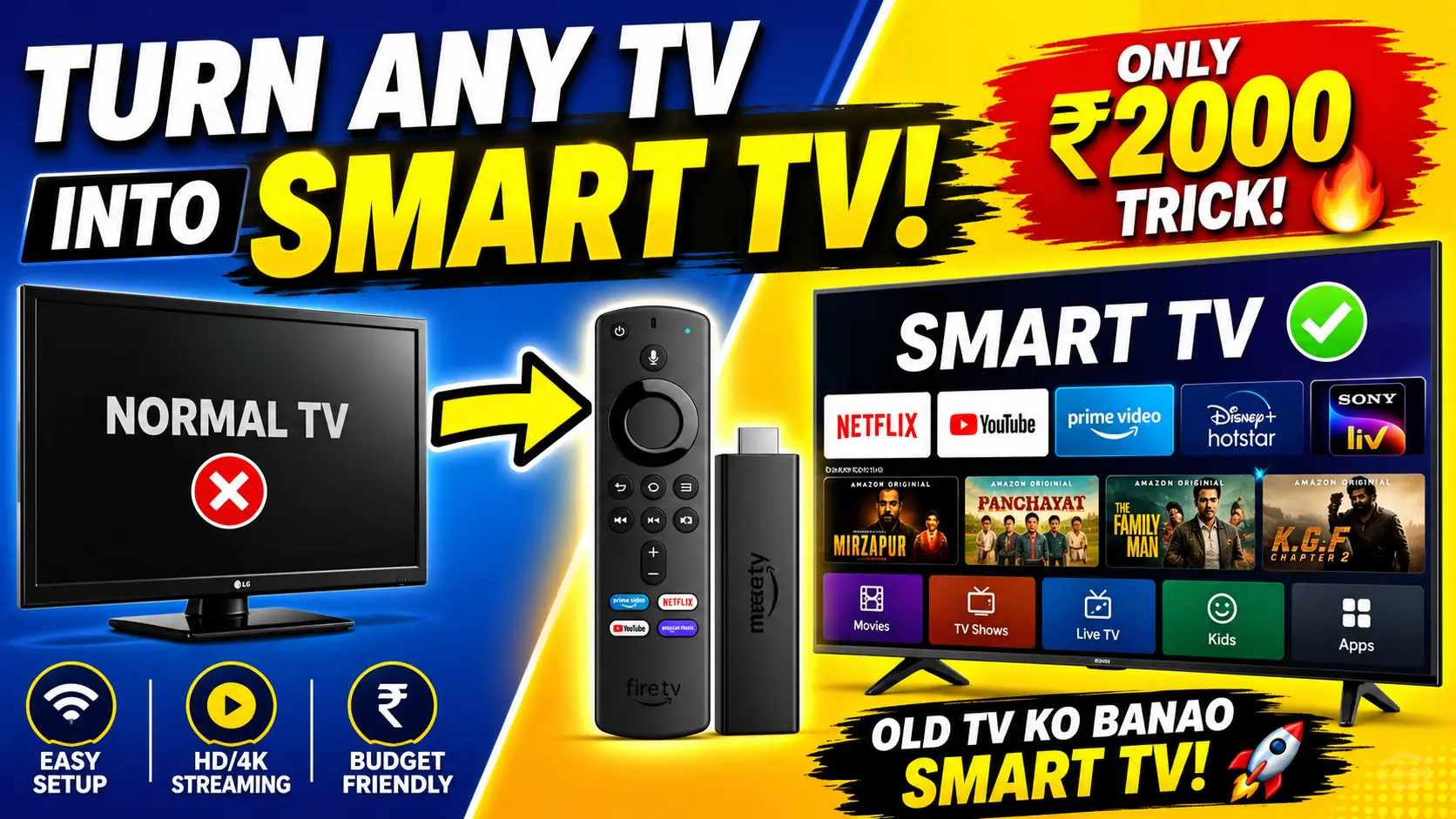
In today’s digital world, having a smart TV is almost a necessity. From streaming movies to watching YouTube, smart TVs offer endless entertainment. But what if you already have a normal (non-smart) TV? The good news is—you don’t need to buy a new one. You can easily turn your regular TV into a smart TV with a few affordable devices.
In this guide, we’ll explain the best methods to convert your normal TV into a smart TV, along with tips to choose the right option.
1. Use a Streaming Device (Best Option)
The easiest and most popular way to make your TV smart is by using a streaming device. These small gadgets plug directly into your TV’s HDMI port and provide access to apps like YouTube, Netflix, and more.
Popular Streaming Devices:
- Amazon Fire TV Stick
- Google Chromecast
- Mi TV Stick
How It Works:
- Plug the device into the HDMI port.
- Connect it to Wi-Fi.
- Sign in to your apps.
- Start streaming instantly.
Pros:
- Easy to install
- Budget-friendly
- Supports HD & 4K streaming
Cons:
- Requires internet connection
2. Use an Android TV Box
6
An Android TV box is another powerful option. It’s like a mini computer that connects to your TV and runs Android OS.
Features:
- Install apps from Google Play Store
- Watch movies, live TV, and games
- Supports USB, Bluetooth, and more
Pros:
- More features than streaming sticks
- Expandable storage
Cons:
- Slightly expensive
- Setup can be a bit complex
3. Use a Laptop or PC
If you already have a laptop or desktop, you can connect it to your TV using an HDMI cable.
Steps:
- Connect HDMI cable from laptop to TV
- Select HDMI input on TV
- Use your laptop to browse and stream
Pros:
- No extra cost if you already have a laptop
- Full control like a computer
Cons:
- Not as convenient
- Requires keyboard/mouse
4. Use Screen Mirroring (Wireless Option)

7
Many TVs and streaming devices support screen mirroring or casting.
How It Works:
- Use your smartphone to cast content directly to the TV
- Works with apps like YouTube, Netflix
Pros:
- Wireless and easy
- No cables required
Cons:
- May lag sometimes
- Depends on Wi-Fi quality
5. Use a Gaming Console
If you own a PlayStation or Xbox, you can use it as a smart hub.
Benefits:
- Supports streaming apps
- High-quality performance
Drawbacks:
- Expensive option
Things You Need to Check
Before choosing any method, make sure:
- Your TV has an HDMI port
- You have a stable internet connection
- You choose a device that fits your budget
Best Budget Option in India
For most users, the Amazon Fire TV Stick or Mi TV Stick is the best choice because:
- Affordable price (₹2,000–₹4,000)
- Easy setup
- Smooth performance
Conclusion
Turning your normal TV into a smart TV is simple, affordable, and highly effective. Whether you use a streaming stick, Android TV box, or screen mirroring, you can enjoy all modern features without buying a new TV.
If you want the easiest solution, go for a streaming device like the Amazon Fire TV Stick. It offers the best balance of price, performance, and ease of use.